● AI Agents & Automation Dubai

AI agents that work around the clock, respond instantly, and move business forward.

Gigglori builds intelligent AI agents, chat assistants, lead qualification systems, CRM automations, and connected workflows that reduce manual work and improve customer response.
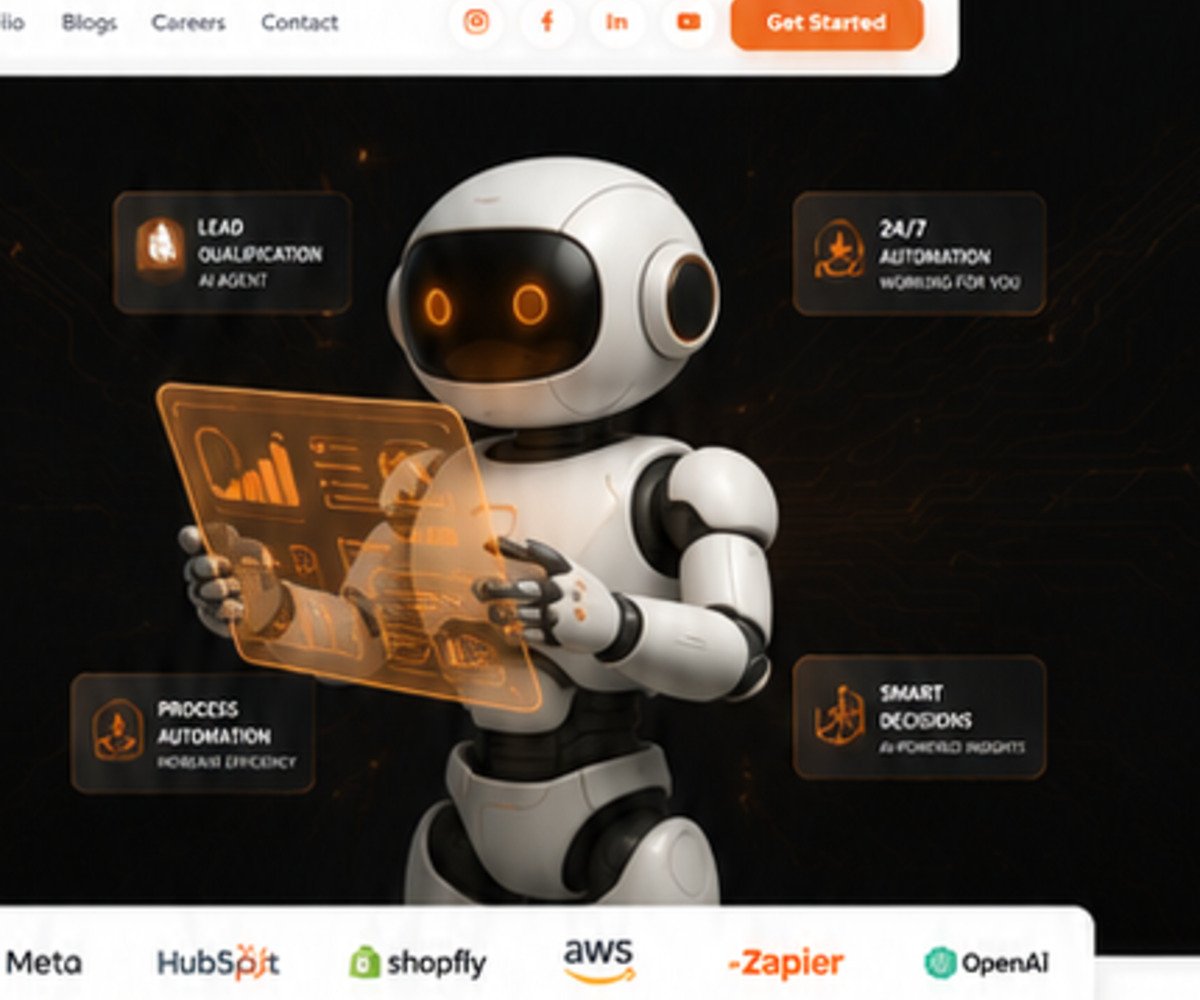
24/7
Automated response
Faster
Lead qualification
Connected
CRM workflows
AI assistant and automated lead qualification workflow by Gigglori
Visual direction
Connected AI assistants, routing logic, CRM actions, and follow-up automation.
Automation with a business purpose

Use AI where speed, consistency, and structured follow-up create real value.

The right AI workflow does not replace your team. It removes repetitive tasks, keeps enquiries organised, and gives people better information at the right moment.

Map enquiry stages, response rules, qualification questions, and human handoff points.
Connect AI conversations with forms, WhatsApp, email, CRM records, and internal notifications.
Track useful outcomes such as response time, qualified leads, appointments, and follow-up completion.
01

AI Chat Assistants

Answer common questions, collect requirements, recommend next steps, and maintain a consistent customer experience.

02

Lead Qualification

Ask structured questions, score intent, identify priority enquiries, and route qualified opportunities.

03

WhatsApp & Website Automation

Create connected response journeys across website forms, chat, WhatsApp, and email communication.

04

CRM Workflow Integration

Create or update records, assign owners, trigger tasks, and keep lead history available to the team.

05

Follow-Up Sequences

Send timely reminders, status updates, nurturing messages, and escalation alerts based on customer actions.

06

Reporting & Optimisation

Review conversation outcomes and workflow performance so the automation improves over time.

AI workflow architecture

A complete automation system connects conversations, decisions, and business actions.

Each module is planned around a clear operational purpose rather than using AI as an isolated chatbot.

Capture

Receive Every Enquiry

Collect requests from website forms, landing pages, chat, WhatsApp, and campaign sources.

Understand

Qualify the Requirement

Ask relevant questions, identify intent, and capture the details needed for the next step.

Route

Assign the Right Action

Send qualified leads to the correct team, workflow, calendar, or CRM stage.

Follow Up

Keep Momentum Moving

Trigger reminders, updates, and escalation actions so valuable enquiries are not forgotten.

Automation interface examples

AI experiences designed around real customer and team workflows.

These visual modules represent the type of conversation, qualification, and reporting experiences that can be configured.

Automation in motion

Show how an enquiry moves from first message to qualified opportunity.

A motion-led presentation helps teams understand the workflow, decisions, integrations, and customer experience before implementation.

Workflow demonstrations

Supporting motion panels for conversations, routing, and reporting.

Use demonstrations to align stakeholders on the automation journey and expected outcomes.

Conversation Journey

From the first customer question to captured requirements and an appropriate next step.

Connected Operations

A workflow view covering assignment, notifications, CRM updates, and follow-up activity.

AI implementation process

Build automation around the way your business actually works.

The process begins with operational clarity, then moves through conversation design, integration, testing, and continuous improvement.

01

Map the Workflow

Document enquiry sources, qualification rules, ownership, handoffs, and the target business outcome.

02

Design the Conversation

Create prompts, questions, response logic, fallback rules, and a professional brand voice.

03

Connect the Systems

Integrate forms, messaging channels, CRM actions, calendars, notifications, and reporting.

04

Test & Optimise

Review real scenarios, improve accuracy, monitor outcomes, and refine the workflow after launch.

Frequently asked questions

Answers tailored to AI automation questions.

These FAQs help visitors understand scope, deliverables, and the next step before they enquire.

Can the AI agent work with our existing CRM? +

Yes. The integration approach depends on the CRM and available APIs, but workflows can commonly create records, update stages, assign owners, and trigger tasks.

Can a human take over the conversation? +

Yes. Human handoff points can be defined for priority leads, complex questions, complaints, or any situation that requires personal support.

Does the automation support WhatsApp? +

WhatsApp workflows are possible when the required approved business messaging setup and integration access are available.

How do we measure results? +

Useful measures include response time, qualification rate, booked appointments, completed follow-ups, conversion stages, and workload reduction.

Next step

Turn repetitive lead handling into a connected AI workflow.

Share your current enquiry process and Gigglori will map the right automation opportunities, integrations, and implementation priorities.